1904labs Signature Generator
Enter your name, title, team name and phone numbers.
Highlight the block below and copy/paste
Just copy the block above and then paste into your email client's signature.
If you use Google (1904labs) email:
- Open 1904labs Email
- Verify that this is your 1904labs account (it may be another GMail account) by checking upper right corner

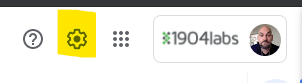
- Select the Setting Gear icon
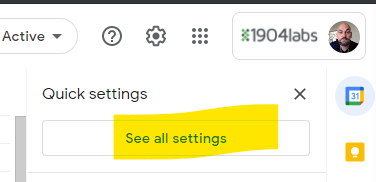
- Choose See all settings
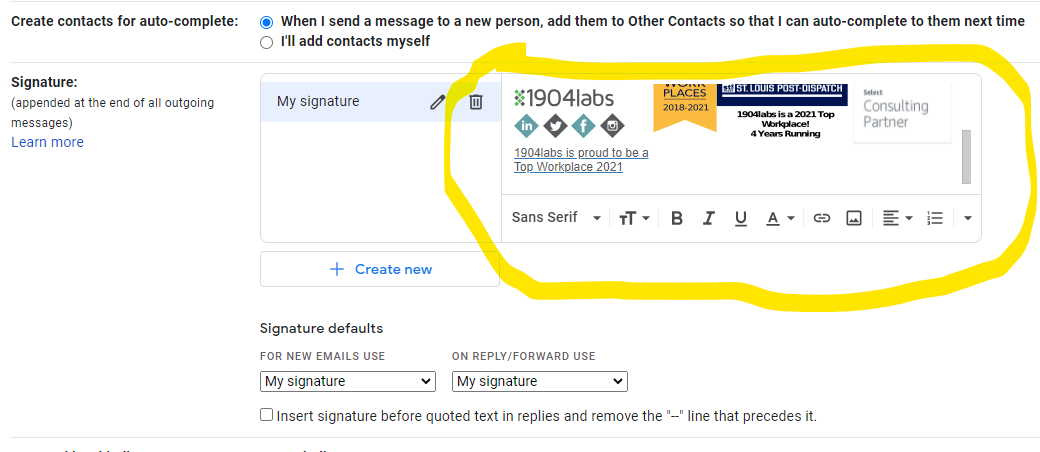
- Scroll down to the Signature sectionn
- Paste the copied block from above into the editor
- Scroll all the way down and click Save Changes
If you use Outlook:
- Go to Outlook/Preferences/Signatures
- Choose Standard under signature name (you can click + and create a different name)
- Click Edit
- Paste into the editor (try not to adjust here)
- Click Save (floppy icon)
- In the Choose default signature section select the Account for your 1904labs email
- In the New messages select Standard (or whatever name you used above)
- Optionally you can also elect to us a signature with Replies/forwards